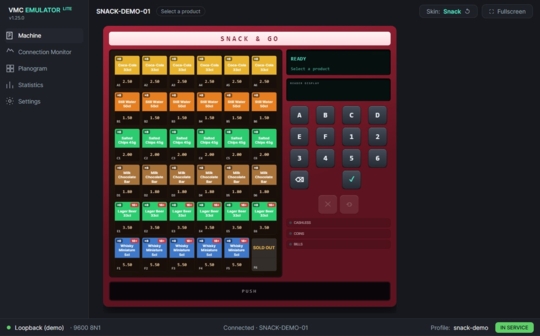
The software is a simulator for a vending machine using the MDB Cashless and Smart Link protocols.
It includes typical use cases that occur with vending machines. These types can be selected using a skill:
- Snack or coffee machine
- Bottle return machine
MDB functions:
- Cashless #1, #2
- Remote Vend
- Always Idle
- Revalue
- Display message
- Age Verification
- Block
Additional functions:
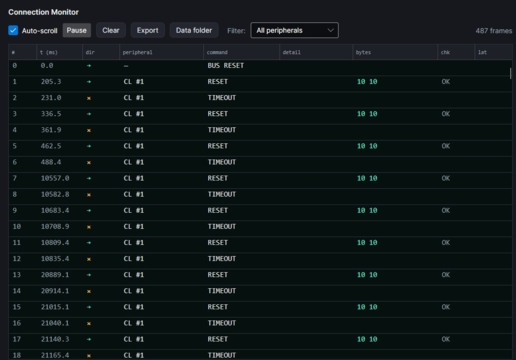
- Log, monitor communication with the vending machine
- Planogram
- Statistics
The tool can be used free of charge on all Hug-Witschi devices that communicate via the Cashless protocol.
It runs on MS Windows.
You must use cable part no. HW.79.003.01, “MDB Cable for VMC Emulator*.”
This establishes the MDB master connection via USB. The cable includes a 220V plug-in power supply, so you do not need a separate power source.
VMC Emulator PRO:
A full version that also supports coin validators and bill readers is currently in development. This version can be used without restrictions, not just with Hug-Witschi systems.
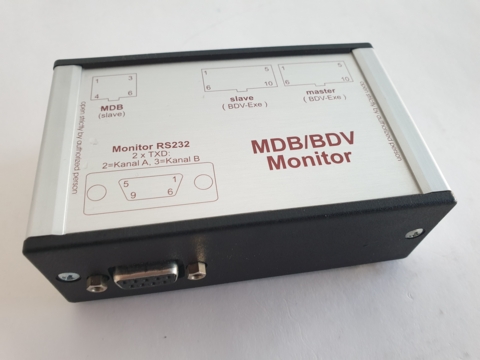
For detailed analysis of problems and incompatibilities in communication between MDB devices, one is forced to record the log.
Unfortunately not all tools on the market are very reliable. We recommend the system from IF-Tools: a universal device for all types of protocols. To be able to record MDB, Executive or BDV with it, you need an additional level converter.
The MDB/BDV monitor converts MDB and the older Executive interface to RS232. The converter can then be connected to IF-Tools.
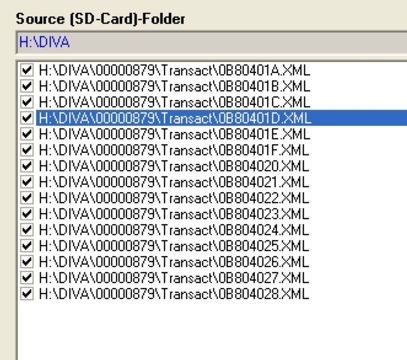
If the automats are not networked, the data of the DIVA2 devices family can be stored on SD Card. By swapping the SD Card, the data can be retrieved. It concerns transactions in XML format and EVADTS summary data.
The data on the SD card must then be moved to a central computer, where they are further processed with appropriate programs.
The freeware tool Filemover can be used to transfer the files to a PC.
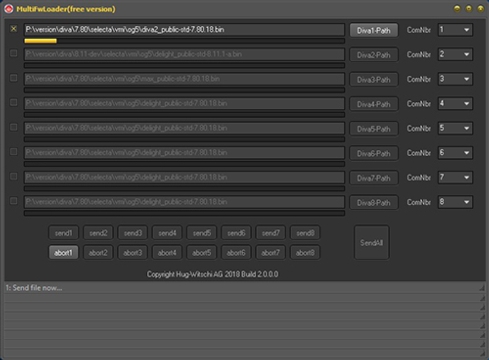
With the tool MultiFwLoader the firmware can be loaded into the DIVA devices. The tool allows to load the firmware update from up to 8 DIVA in parallel.
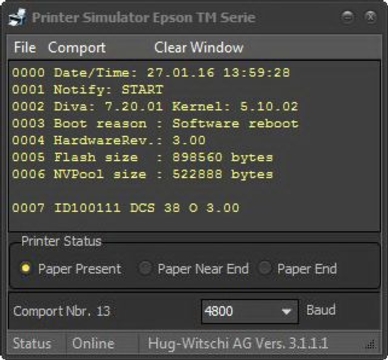
The free Printer Simulator is a simple program that simulates an Epson TM series printer. The software can be used to test the different printer outputs of the DIVA2 Base / LeX systems: Logs, Receipt, OTRA overview and short billing.